Historically, one of the greatest issues with Social Media has been one of sovereignty over one’s own content, or – put differently – the predilection for social networks, once they are past the initial growth spurt, to attempt to lock-down user-generated content (UGC) so that they don’t become essentially content-delivery networks (CDNs) for their competitors, and so that “promotion” of competitors is lessened in favour of indigenous functionality.
This has a grand anti-competitive history:
- Twitter stops Instagram users “find your friends on Instagram”
- Instagram posts stop rendering images on Twitter
- Tweets not embedding on LinkedIn
…and many others; a lot of this stuff dates back to 2010-2014 when the companies were indulging in daring, strategic, acquisitions rather than (of course) today when the selfsame activity is being castigated as “anti-competitive” and “monopolistic”.
One technique to get past this and to get control over your content and communications is “macroblogging” – which I wrote up extensively at the time [1][2][3] – and it turns out to have only gotten better and more effective over the past 8 years, as the platforms have converged upon the necessity of building good-quality “cards” and adequately rendering/importing content which is NOT hosted on their competitor platforms.
Macroblogging
Macroblogging exploits the big platforms’ hunger to import content from non-competitive small platforms, in order to turn them into precisely the kinds of CDN stovepipes that they fear becoming for each other. This is why a blogpost like this one will look perfectly adequate when rendered/shared on each of Facebook, Twitter and LinkedIn:
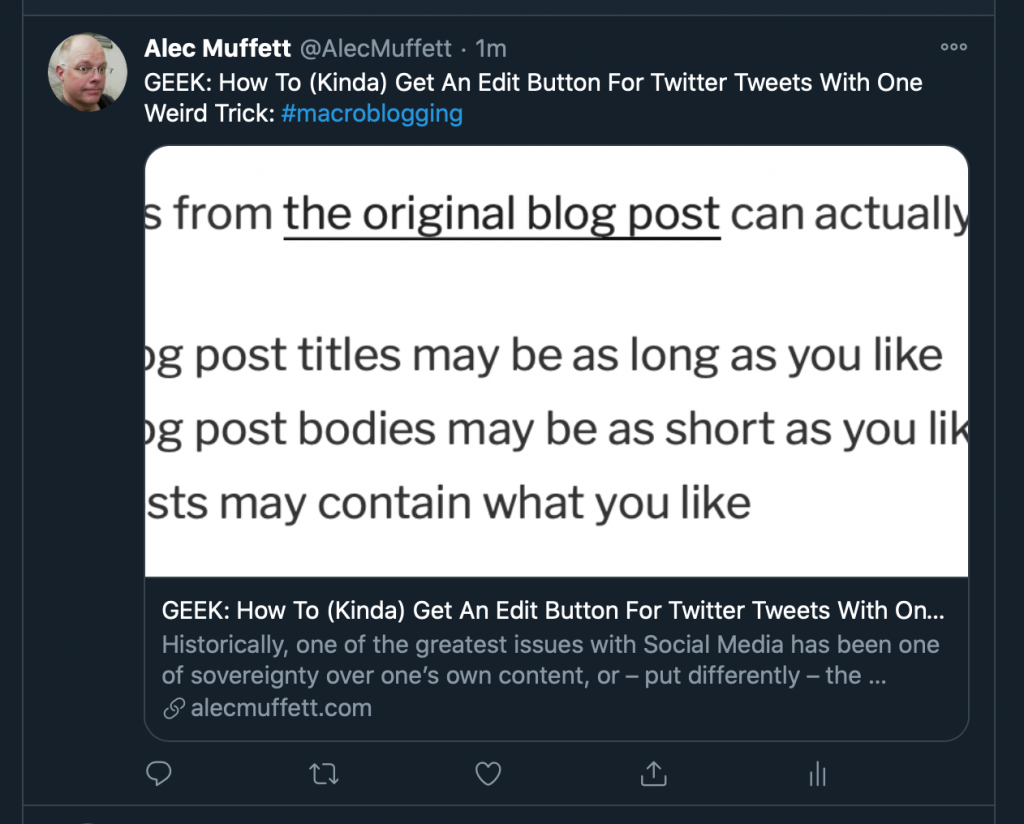
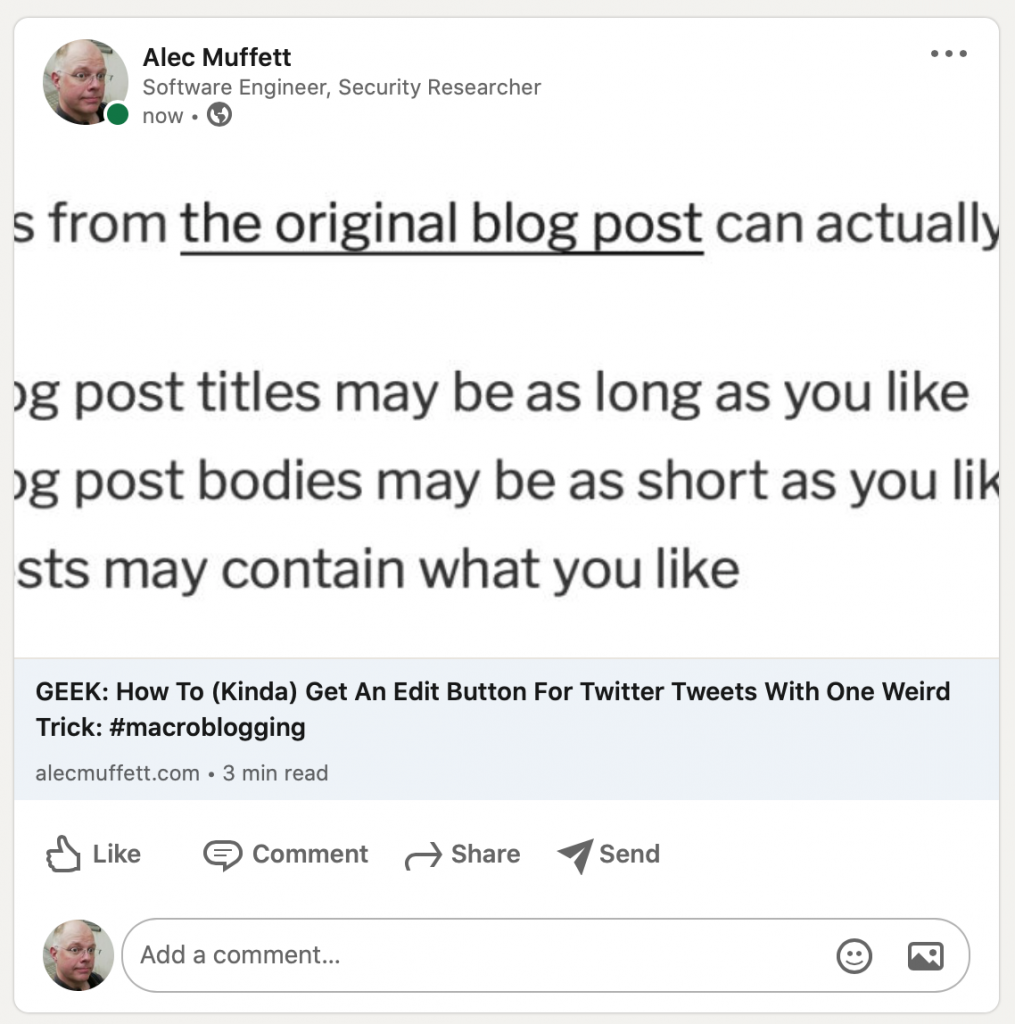
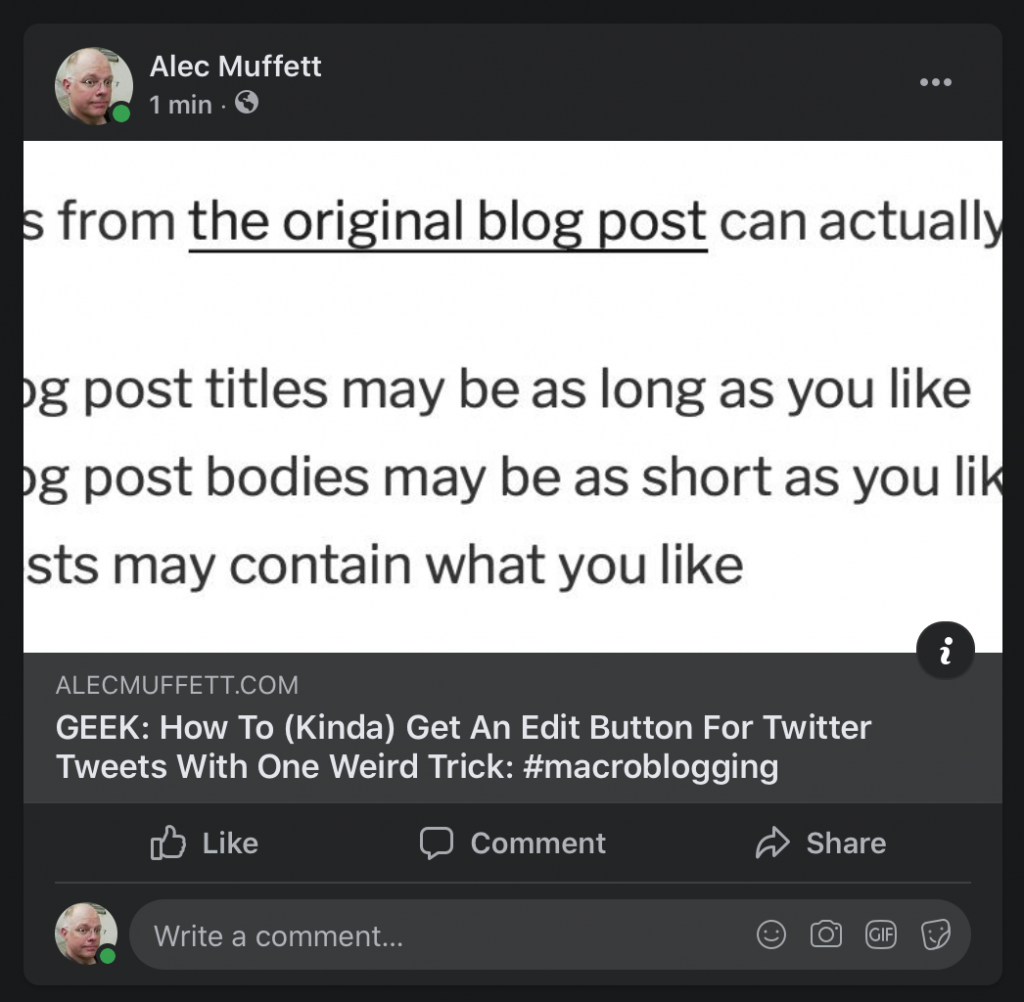
…even though it would look pretty terrible as a Tweet-Shared-on-LinkedIn or an Instagram-Shared-on-Twitter
Wasn’t Podcasting meant to achieve something like this?
If this sounds a lot like the utopia that podcasting was meant to create… yeah, you’re right. Podcasts are huge nowadays, but let’s be honest: Spotify, Audible-Amazon, Apple, Google and the others are attempting to become “Netflixen” of audio content, just as Facebook and LiveJournal and Blogger and the others essentially nuked independent blogging platforms.
Perhaps there’s a cycle of incarnation here – of centralisation for convenience and curation, and distribution for diversity, leading back to recentralisation for convenience again… but atop that observation it must be noted that the systematic murder of RSS-readers and decent feed-polling standalone podcast clients was a certainly contributing factor.
Web cards are a different deal to “Really Simple Syndication” or whatever; the big platform’s intent is to make your content look good enough for a click – so don’t skimp on adding a “featured image” or similar – but actual human beings will have a strong incentive to click through to your site, because any long-form content (and audio links, etc) will not have been captured by the platforms.
Plus: you will have an edit button, because it turns out that web cards are (to some extent) dynamically refreshed / can be updated to reflect modifications to the source material.
So, how do I do this?
In a sentence “Write Once, Share Everywhere”:
- Set up a WordPress Blog, ideally self-hosted; this avoid (e.g.) wordpress.com becoming specially-treated as a “competitor” to one or more platforms.
- Post everything, thoughtfully, to the Blog.
- Share your postings as URL-Only, or Mostly-URL-Only, on all the major networks; there are buttons / tools to help you with this.
- Explore and learn how to make the results look good.
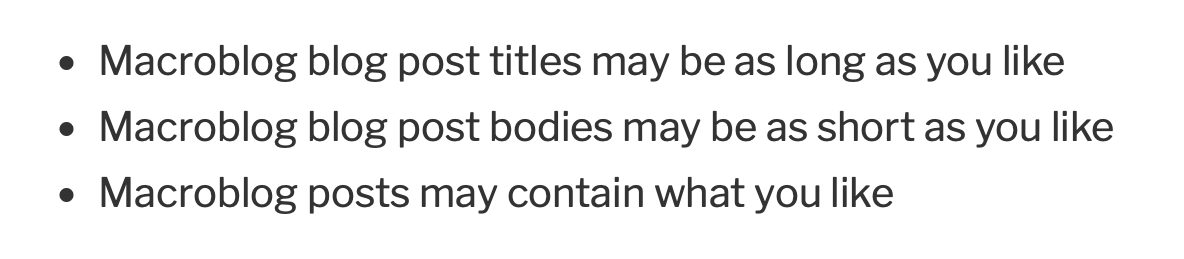
The guidelines from the original blog post can actually be reduced to:
- Macroblog blog post titles may be as long as you like
- Macroblog blog post bodies may be as short as you like
- Macroblog posts may contain what you like
- Addendum: make regular backups for safety
That’s all. Give it a go, let me know what you think, in the comments below.

Leave a Reply